This article was written using RustRover
Most images were taken from the official documentation[1]
Over the years, I’ve been using the JetBrains tools along with the Zed editor the most in my professional and daily life. JetBrains tools are usually quite packed with features and fairly specialized. This means they’re mostly focused on the language they’ve been made to work with, with some overlap into other areas (for example, RustRover is pretty good at web dev stuff). People like to say that the flagship Idea IDE is the one that works with every language. However, I find that a hard sell, especially due to all the extra features it has and most of them being focused on Java.
This makes JetBrains IDEs great at a specialized task, but also not that great when trying to use other more “obscure” languages, like Haskell or Zig. Even Rust was supported via a plugin for a long time before an official IDE arrived.
Disclaimer: I don’t get paid nor am supported by JetBrains in any way. I just like the tools and am passionate about having my dev environment be the most comfortable it can be.
Refactorings and Code Generation
I’ll put this up first, as it’s a generally known fact that refactorings in JetBrains are the best in the industry. Being able to modify a function signature comfortably, reorder arguments, and have them apply everywhere, all while having the comfortable autocompletion for all types from within the project analysis available, makes it a joy to do refactorings.
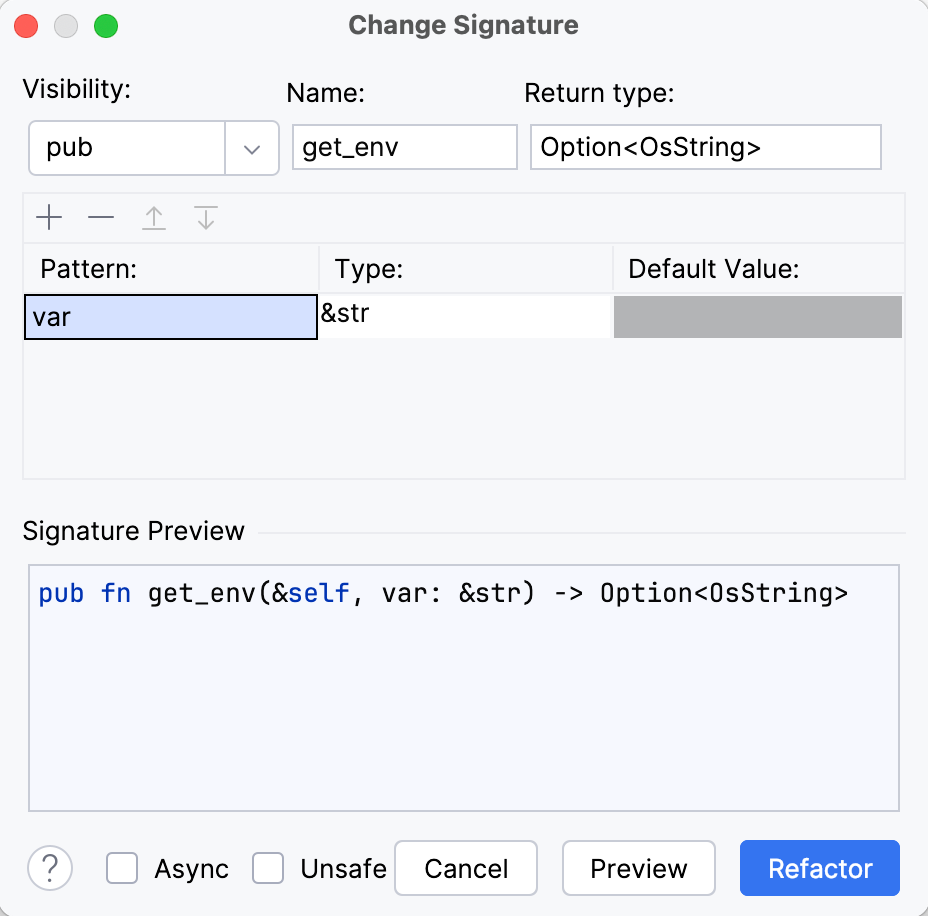
Code generation is also a nice feature that allows you to quickly generate setters and getters, plus some other constructs. This is, however, also provided by the Rust-Analyzer LSP, so you may know of this particular feature for Rust from other editors.
Natural Language
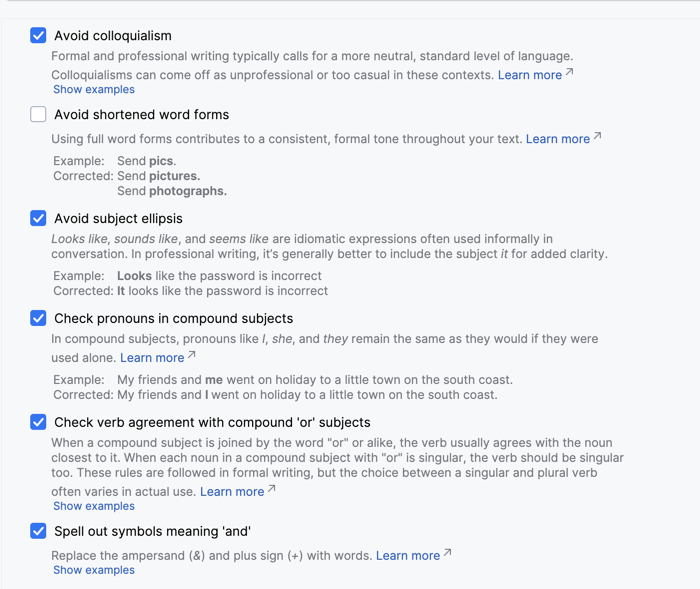
The actual options for grammar checking are insane. There are so many options that are really great when enforcing a certain style in code comments, or blogposts.
You have an option of doing an on-device language analysis or using the cloud analysis.
This is also why you see em-dashes. I didn’t use any AI writing this article, but the natural language plugin wants you to use them.
IdeaVim
You can find my ever-evolving mix of Helix & Vim config file here
The most amazing plugin JetBrains has. The way you can not only use some random keybinds from Vim (like in VS Code), but actually are able to create a custom .vimrc file that acts and works similair to an actual Vim file, not to mention the ability to use plugins, makes this the best Vim emulation I’ve encountered in any software (rivalling even Zed!)
Definitely check out the plugin in the plugin store (it’s free) in any JetBrains IDE.
VCS Client
Live Templates
When you enter a keyword like for, the editor will prompt you to automatically insert a construct pre-filled and ready to tab-through to quickly fill out the rest of the info.
for $ VAR$ in $ ITERABLE$ {}
You can make your own custom templates using the powerful editor: 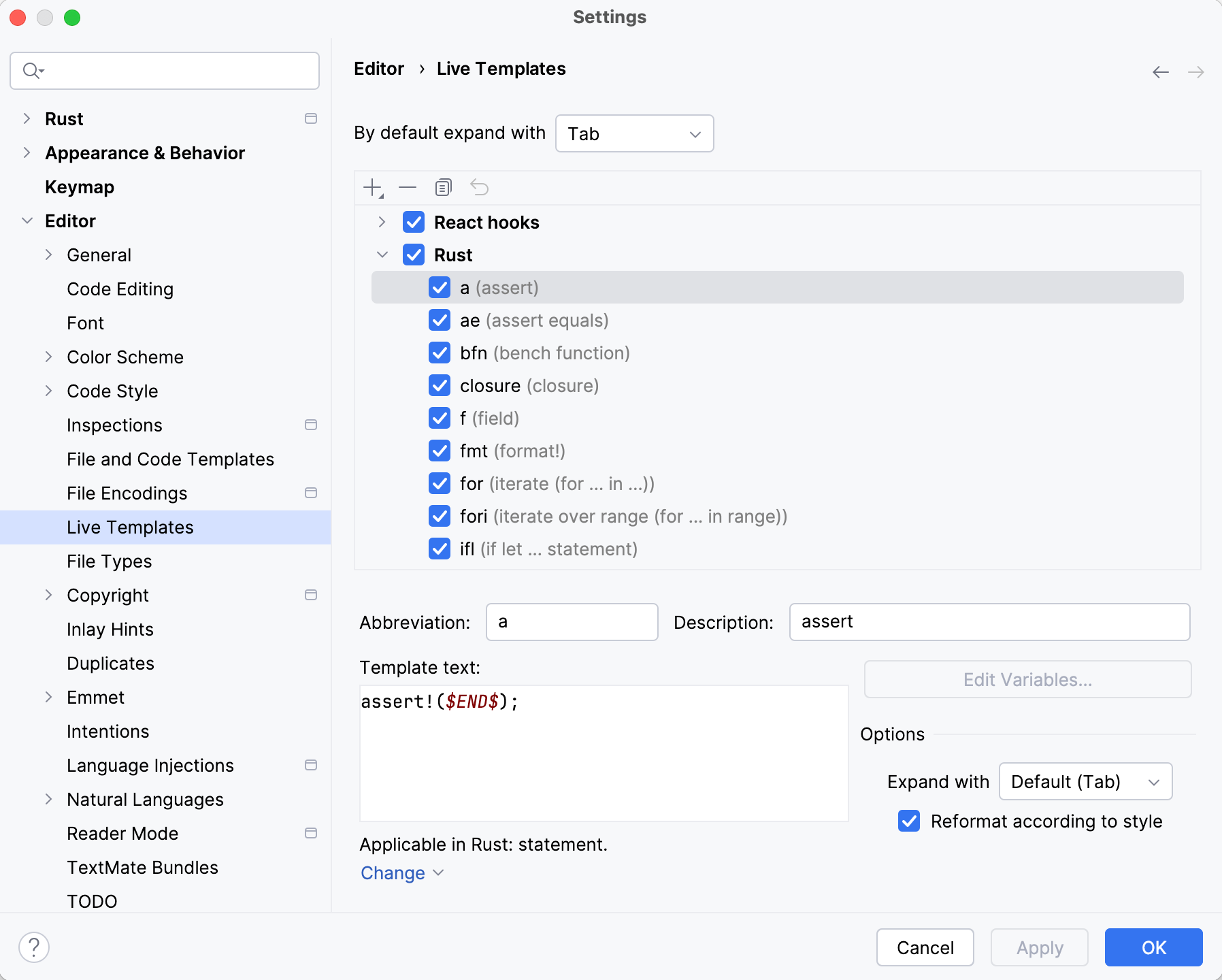
Scratch Files and Consoles
Having an idea, needing to write down some notes, all of this is usually done using external tools. However, I find that JetBrains has an excellent (and very underused!) feature: Scratches and Consoles.
Scratches are the files you need when designing, writing down info, something that gets synced across projects in the IDE and allows you to note down random things without affecting anything. Very useful for comparing different files and such as well.
Query Consoles are a feature that can help with database interactions, where the queries and consoles are saved into this special directory. It’s an advanced feature detailed more here.
Search Anywhere – Calculator
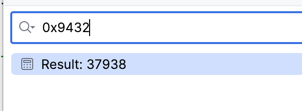
Aside from being a great tool to find any file or command action, the calculator function does come pretty handy. It can handle just the basic +, -, *, /, ^, and sqrt, sin, cos and tan functions. What’s more useful however, is that it can handle hex/binary and octal numbers as seen here:
Bookmarks
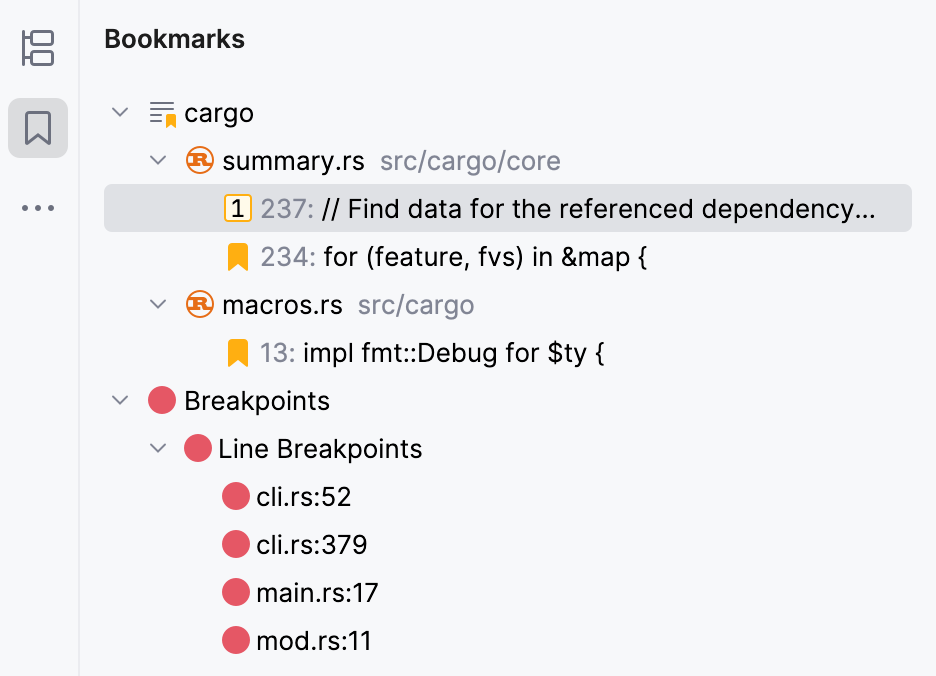
It’s a really nice feature for remembering where important parts of your code are. What’s more, by default it’s individual per branch.
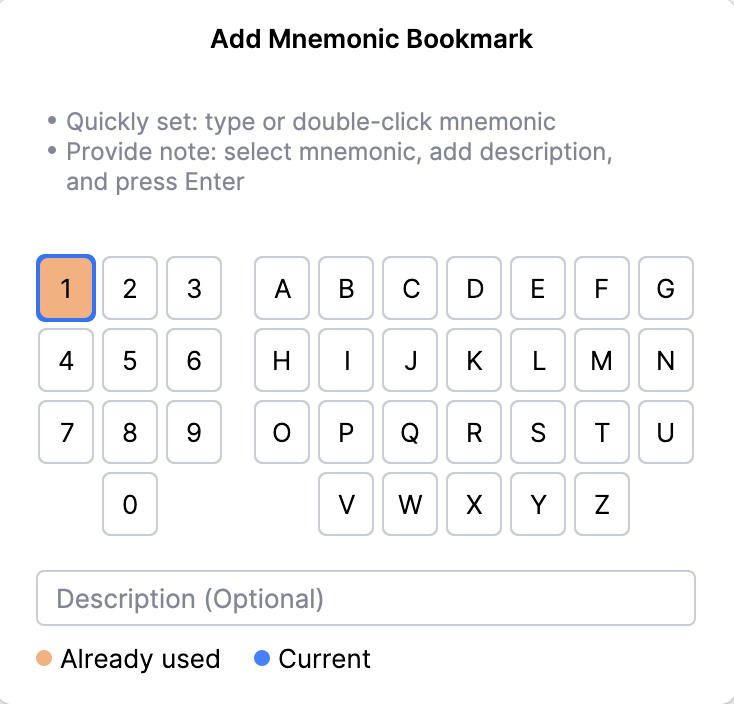
There’s also a mnemonic interface that you can use to bind shortcuts for each bookmark.
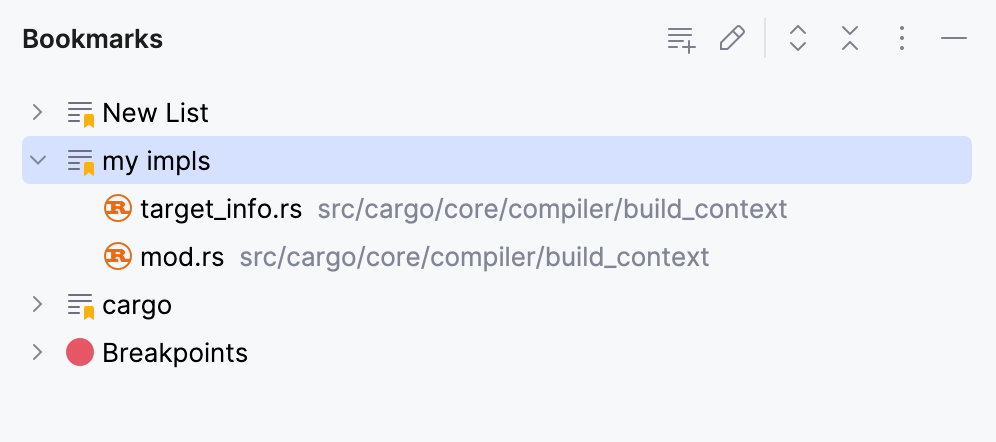
And what’s more, you can create editor tab lists as bookmarks:
Code Coverage
A very useful feature of the JetBrains suite is that you have an option to display direct code coverage:
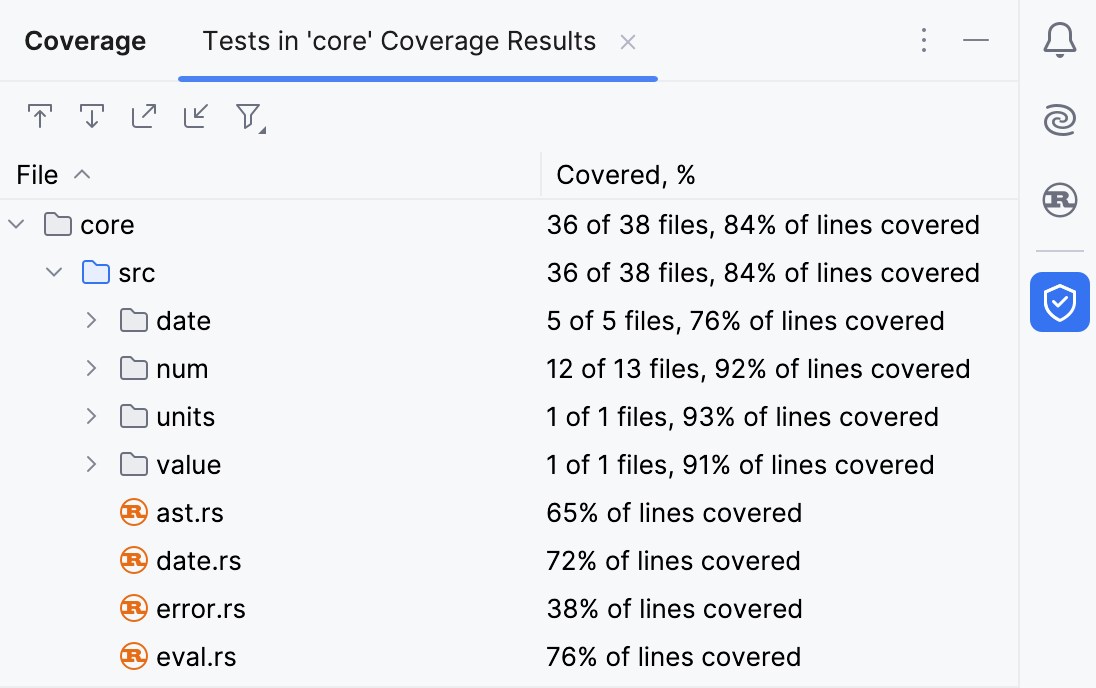
What’s even nicer is that you can then parse the code coverage reports generated using the IDE into a visual line highlighter: 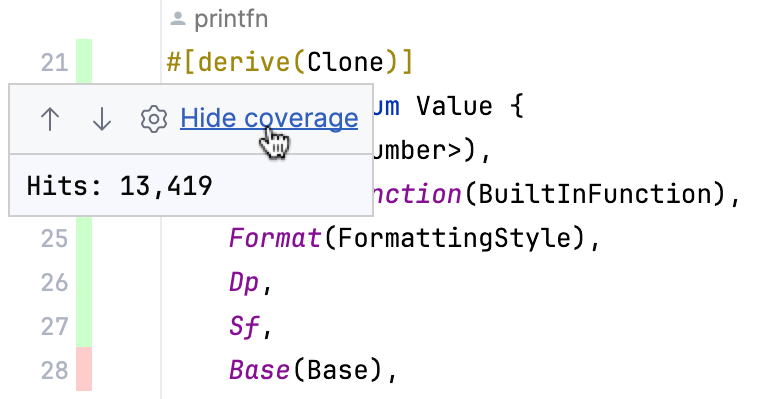
Rust Exclusive Features
Many interesting features specific to RustRover
Cargo TOML parsing
One such case is the proper Cargo.toml parsing. In the inlay hints, RustRover shows the proper versions currently used in your lockfile, as well as any potential updates available upstream.
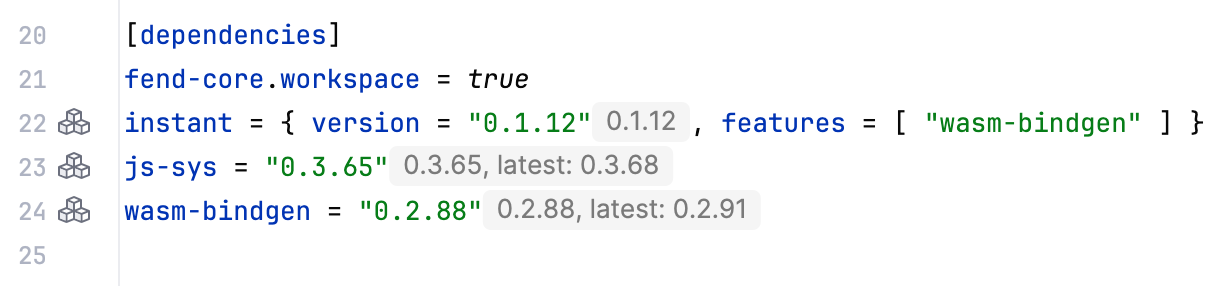
There is also code completion for the Cargo.toml file available, as well as autocompletion of crate names from crates-io
Conditional Compilation
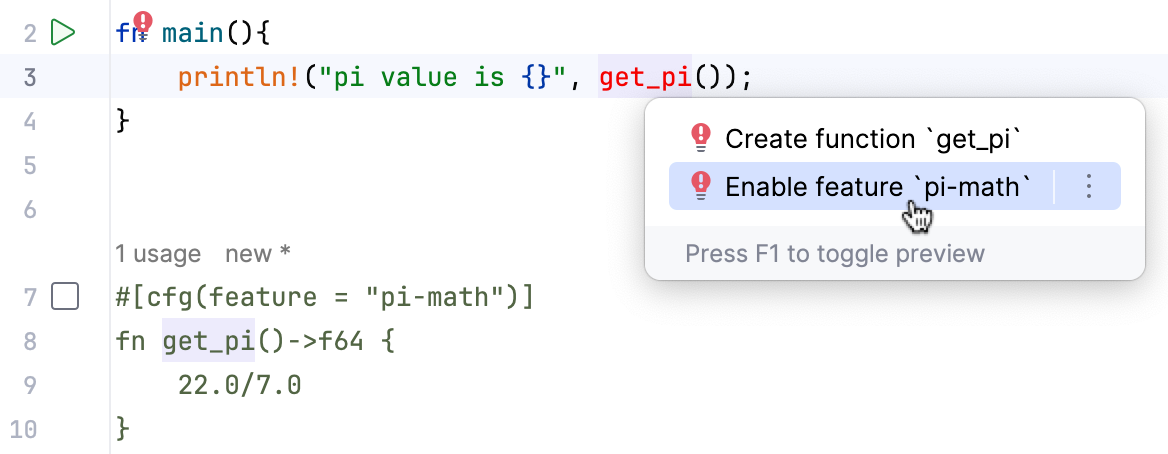
You can even disable or enable individual features of a crate with a click. This results in the natural support of conditional compilation.
Doctests
Support for doctests, including syntax highlighting in doc comments, and embedded gutter icon to run specific doc tests.
Nextest
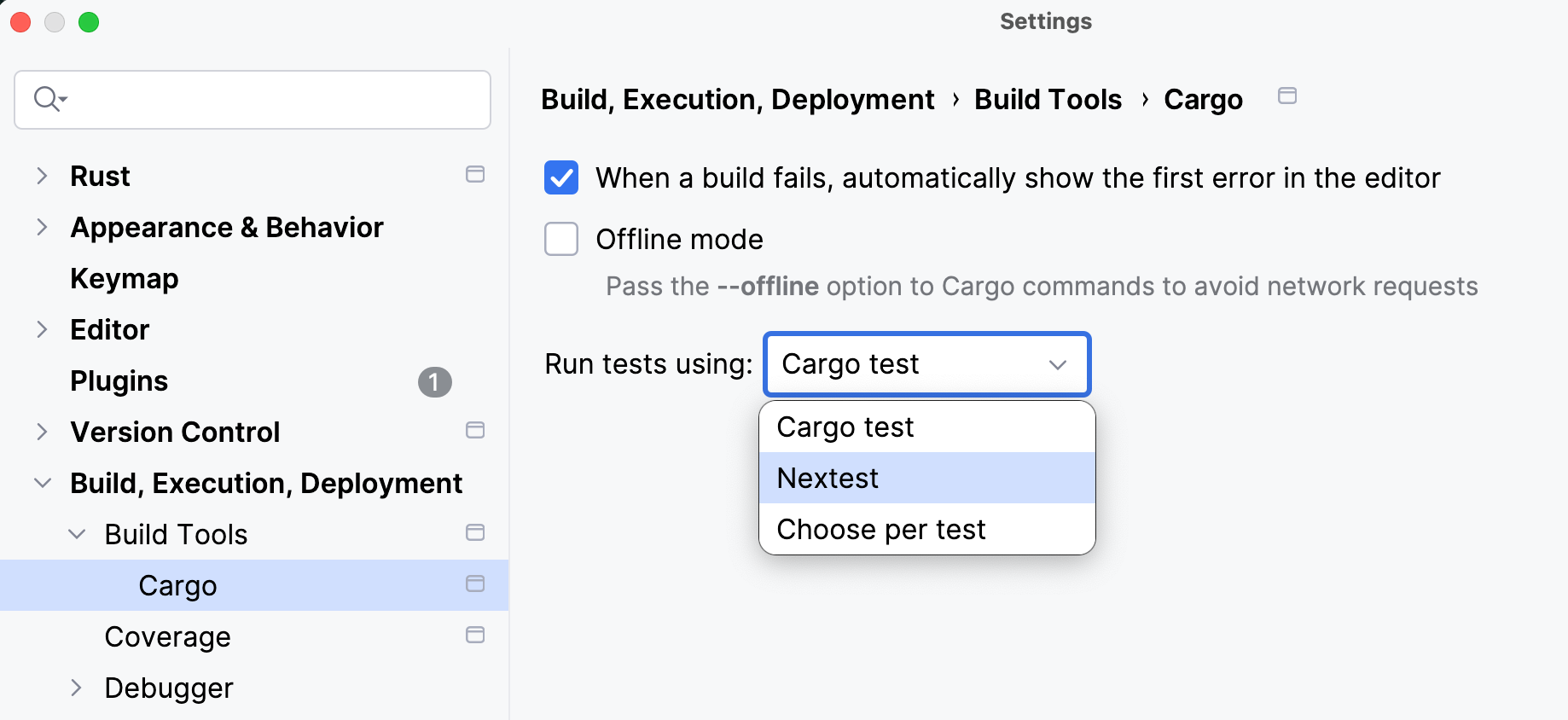
Many developers use the nextest app to run tests a bit quicker and see nicer reports. RustRover supports this natively, just choose the test runner in the settings:
Axum and Reqwest
Showing endpoints for both Reqwest and Axum, this feature alone is extremely useful when making backend applications.
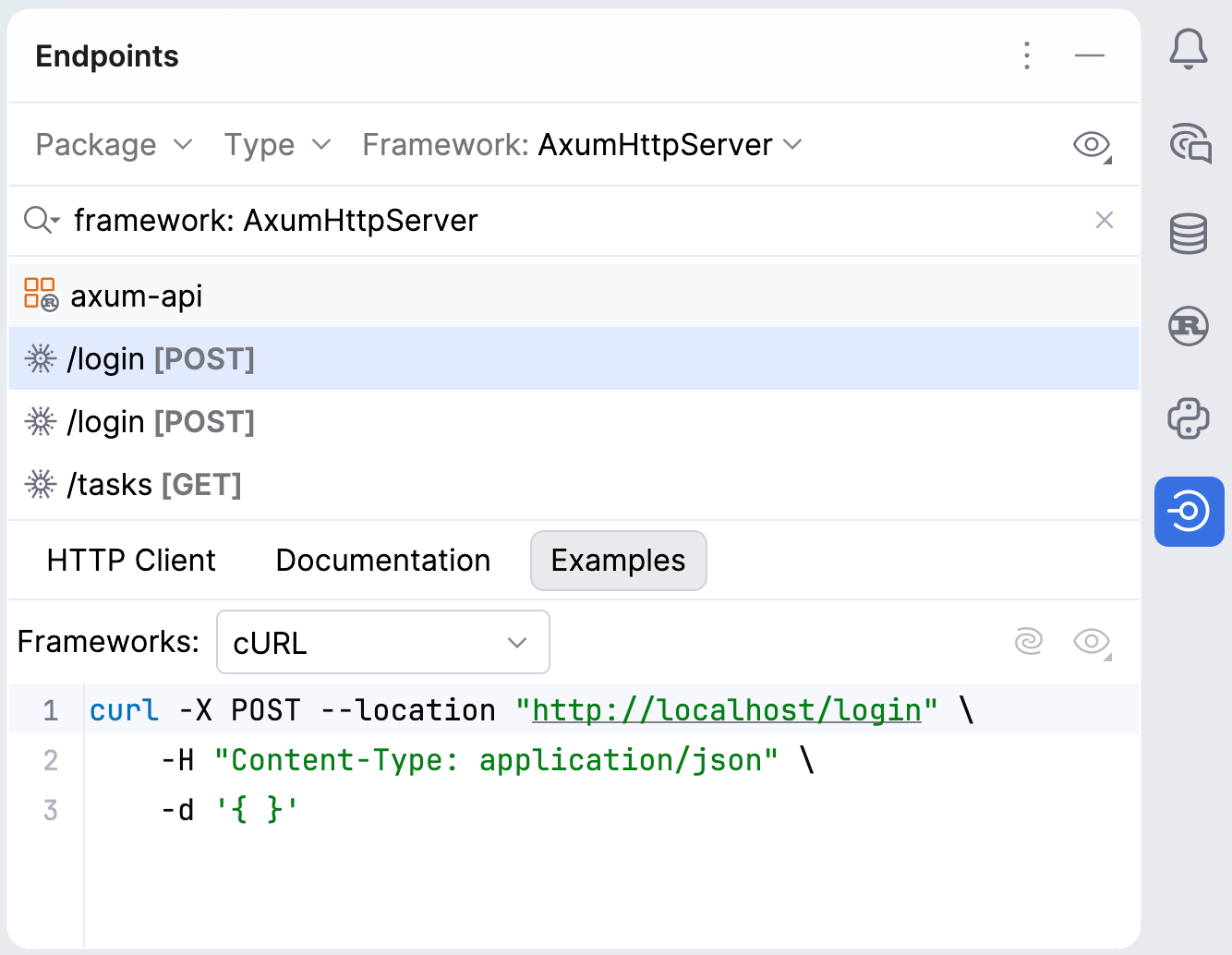
There is also an integrated HTTP client that can handle gRPC requests. You can also use this client as a CLI tool.
On macOS, you can also install it using
brew install ijhttp
REPL
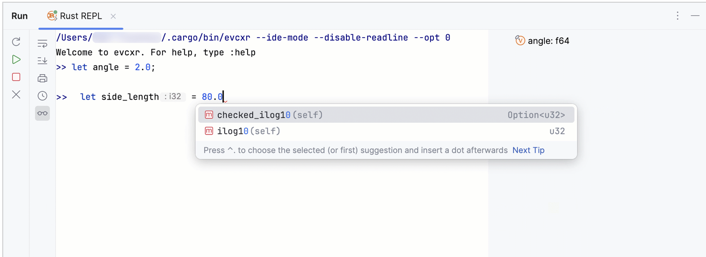
Rust REPL env is supported in RustRover. It’s a nice feature that allows you to quickly prototype some Rust code.
There is a bug preventing the proper functionality of this feature on Windows.